Checking Results, Spin Game
Clear answers on checking results for spin game, checked against the live platform and updated when it changes.
What Is Checking Results?
Checking results on a spin game refers to the process of reviewing the outcome of each spin round immediately after the wheel stops, confirming what symbol combination landed, what payout (if any) was awarded, and how that outcome was recorded in your account history. On 777-spin.com, every spin result is logged in real time against your player ID, so the record is always available whether you check it one second or one week after the round ends.
A result check is not just about seeing whether you won or lost. It covers three distinct data points: the outcome: the exact symbol combination or number the spin produced; the payout calculation: the multiplier or fixed prize applied to your stake for that round; and the settlement status: whether the credited amount has been confirmed and reflected in your wallet balance. Understanding all three prevents confusion when a balance does not appear to match your expectation after a spin game session.
Many Indian players who move from offline lottery or physical spin wheel games at melas and fairs find the digital results system on 777-spin.com far more transparent than anything they encountered before. With a physical spin there is no record, the wheel turns, someone announces the outcome, and that is the end of it. On the spin game platform, every round produces a tamper-proof log that you can access from any device at any time. That is a structural advantage worth understanding from day one.
It is also worth distinguishing between a result and a settlement. The result is generated at the exact millisecond the wheel stops. The settlement is the financial action, crediting or not crediting your wallet, that follows. In the vast majority of rounds these two events happen within seconds of each other, but knowing they are separate steps helps when troubleshooting a case where the result appears in Game History but the wallet balance has not yet updated. The delay is almost always on the settlement side, never the result side, the outcome itself is locked in immediately and cannot be revised.
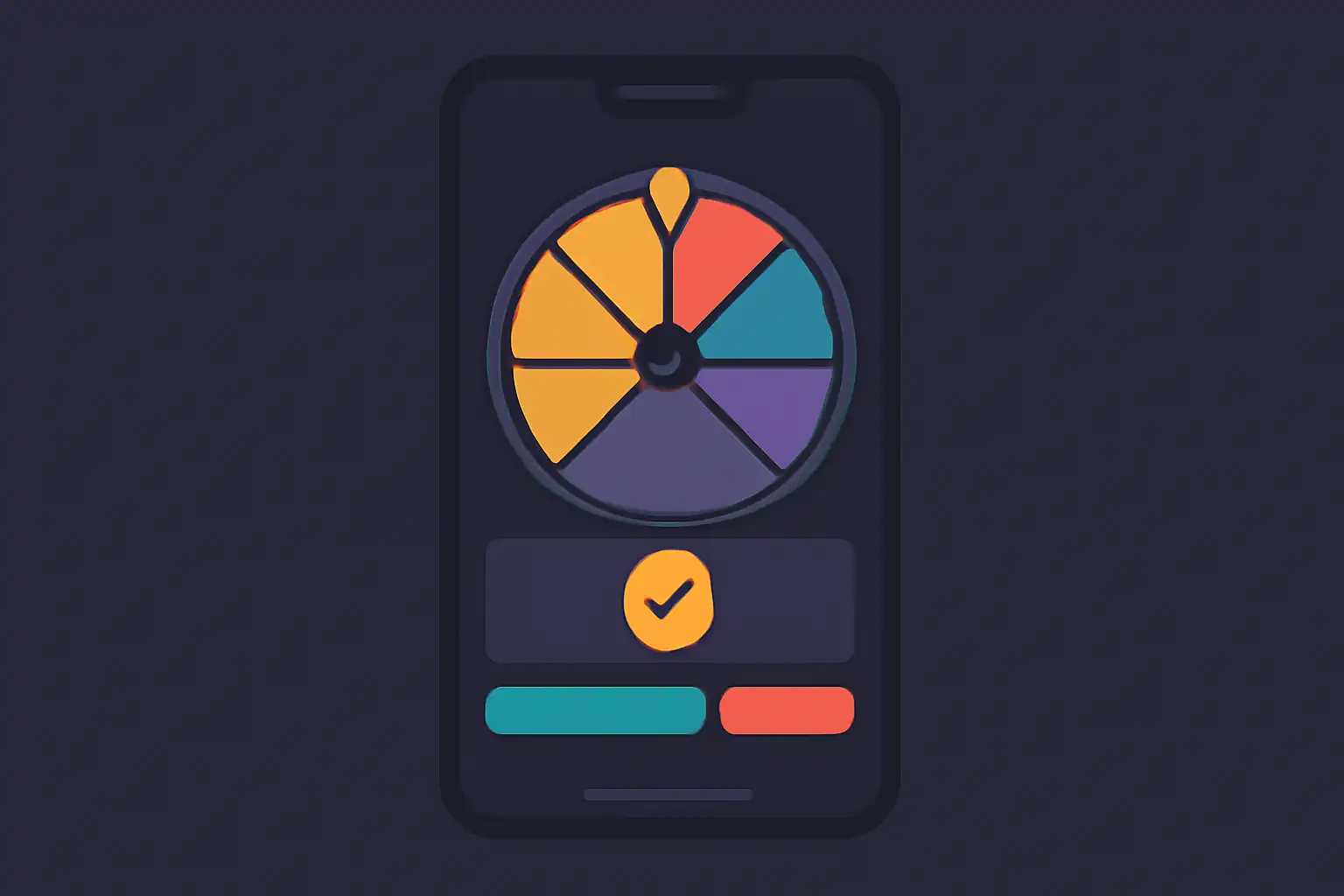
Compared to other spin game platforms popular in India, 777-spin.com makes result data accessible without requiring players to navigate deep into nested account menus. The result summary card that appears on screen right after each spin already contains all three core data points. This on-screen card is effectively your first and fastest results check, before you even open Game History. Players can also filter their entire results history by date, game type, or stake size, a level of granularity that most competing platforms restrict to premium account tiers but which is available to every registered user on 777-spin.com at no cost.
Checking Results for New Players
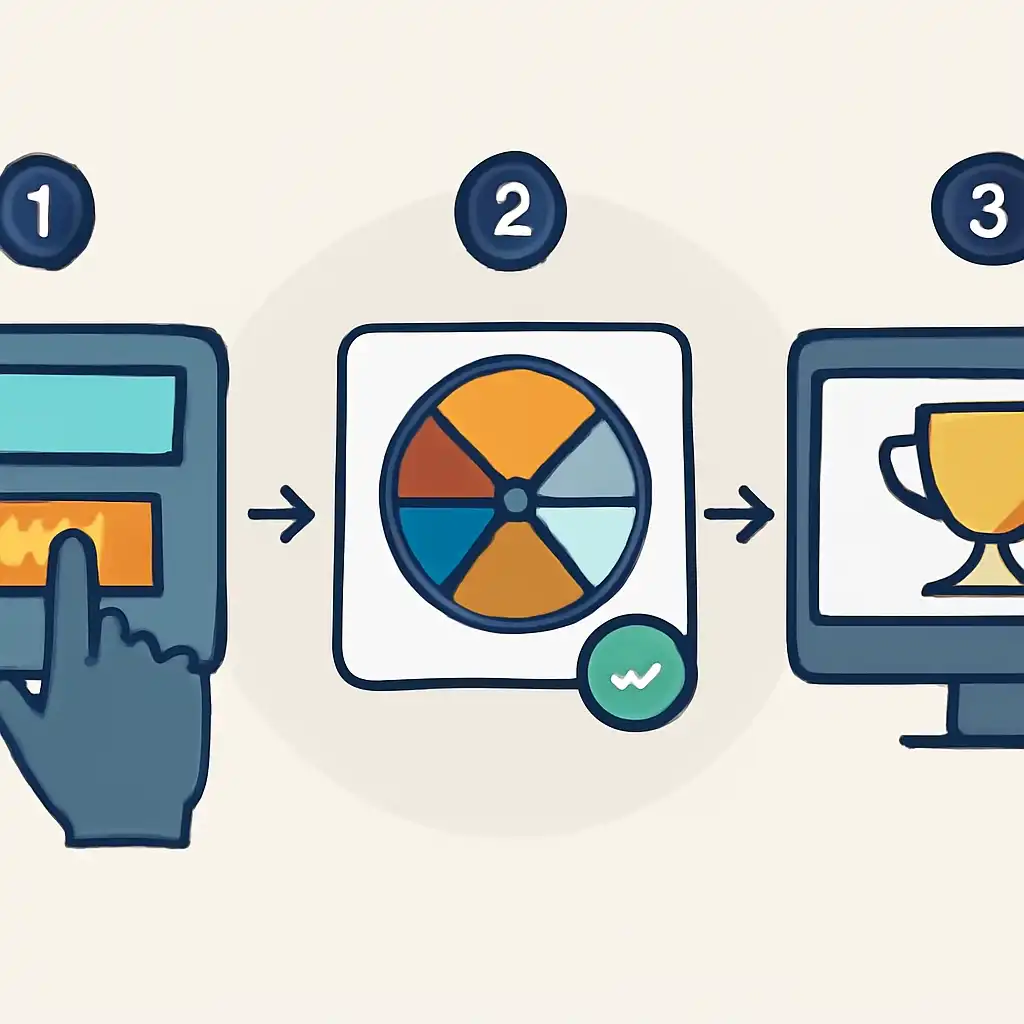
If you have just joined 777-spin.com, the results panel can feel unfamiliar. Here is a step-by-step walkthrough designed specifically for first-time spin game players on the platform. After a round completes, a results summary card appears on screen for approximately five seconds, this card shows the winning symbol, your bet amount, and the instant payout. Do not close this card before reading it, as it is your quickest reference and disappears automatically once the countdown finishes.
From there, navigate to My Account → Game History, where every spin game round you have played is stored with a round ID, timestamp in IST, stake, result, and net payout. New players should check this section after their first ten spins to build familiarity with how results are formatted and labelled before they start playing for larger stakes.
Cross-checking your wallet is the next step. Go to My Account → Wallet → Transaction Log. Each settled spin game result generates a corresponding credit or debit entry. Match the round ID from Game History to the transaction ID in Transaction Log to confirm the amounts align. This two-source verification habit takes less than thirty seconds and eliminates the most common source of player confusion, believing a winning round was not paid out when in fact the credit appeared in the wallet a few seconds after the on-screen animation ended.
For new players in India who funded their 777-spin.com wallet via PhonePe, Google Pay (GPay), or BHIM UPI, there is an important distinction to understand. Your UPI transaction reference number is tied to your deposit, not to individual spin game results. Your PhonePe or GPay history shows the deposit amount that moved from your bank into your 777-spin.com wallet and references a UTR (Unique Transaction Reference) number.
Your 777-spin.com Game History shows what happened to that deposited balance across individual spin game rounds, each with its own round ID. Your Transaction Log is the bridge: it records the original deposit referencing the UTR from PhonePe, GPay, or BHIM alongside every spin stake and payout, giving you a full money trail in one place. If you deposited ₹500 via GPay on a Monday evening, played 20 spin game rounds, and want to see where that ₹500 went, open Transaction Log and filter by date.
You will see the credit entry at the top followed by a sequence of debit entries for each spin stake and credit entries for each winning payout, the closing balance after those 20 rounds is your net session result, far more useful than checking individual round results one by one.
Common First-Time Mistakes to Avoid
New spin game players on 777-spin.com consistently make the same three errors when checking results for the first time. The first is refreshing the page mid-spin: if you hit Spin and then refresh before the animation completes, the result has already been generated server-side but the on-screen card will not appear. The round will still be in your Game History, check there rather than assuming the spin was cancelled or that your stake was lost without an outcome.
The second mistake is comparing wallet balance to total stakes rather than net stakes. Your wallet balance after a session reflects wins minus losses, not just losses. Players who won several rounds in the middle of a session sometimes underestimate how much they actually staked before those wins, leading them to believe a balance shortfall is an error when it is simply accurate accounting. Use Transaction Log for a line-by-line breakdown.
The third mistake is confusing bonus balance rounds with real balance rounds. If you claimed a welcome bonus, some spin game rounds may have been played from your bonus wallet rather than your main wallet. Results from both wallets appear in the same Game History list but are tagged with a wallet type label next to each round entry, always check this label before querying support about a result that appears in history but did not credit your main wallet.
New players should also note that all results on 777-spin.com are displayed in IST (Indian Standard Time), so timestamps will always match your local clock without any manual conversion. This is a small but meaningful detail if you are reviewing results the morning after a late-night session and trying to match game history timestamps to your own memory of when you played.
Checking Results Safety and Timing
Two concerns come up most often around spin game results on 777-spin.com: are the results trustworthy, and how quickly are they finalised? Both are worth addressing in specific, technical terms rather than with generic reassurances.
Safety and Fairness of Spin Game Results
Every spin game round on 777-spin.com is governed by a certified Random Number Generator (RNG). The RNG produces a fresh, independent output for each spin, previous results have zero influence on what the wheel does next. Result data is hashed and timestamped at the moment of generation, before the animation even begins playing on your screen. This means the outcome cannot be altered after you place your bet. Players who want to verify this can request the seed hash for any round through the Fair Play section under their account settings.
The seed verification tool uses a standard SHA-256 hashing formula that any player can independently run on a free online hash checker, you do not need technical expertise, only a willingness to copy and paste two values into the tool and confirm the output matches the recorded result.
This architecture is fundamentally different from older, non-certified spin game products that were common in India before regulated platforms emerged. In those older formats, the display outcome and the recorded outcome were sometimes generated separately, creating a gap where discrepancies could occur. On 777-spin.com, the seed, the display, and the server log all reference the same hash, so there is no gap to exploit on either side. Players coming from unregulated spin game apps that circulated on third-party Android APK stores in India, where result manipulation was a documented and widespread problem, will find the 777-spin.com provably fair system to be a materially different and more secure experience.
Settlement Timing Across Different Scenarios
Under normal network conditions, spin game results on 777-spin.com settle according to the following schedule: standard spin results are finalised and wallet balances updated within 2 to 5 seconds of the wheel stopping; bonus round results settle within 10 to 15 seconds as the system calculates stacked multipliers before crediting; results during peak hours between 8 PM and midnight IST may take up to 30 seconds due to server load, but the round ID is still locked in at spin time so your result will not change during the delay; and results involving progressive jackpot triggers can take 45 to 90 seconds to settle because the jackpot pool calculation requires a server-wide reconciliation across all active spin game tables before the credit is confirmed.

To put these timings in context, a standard BHIM UPI or PhonePe payment in India typically settles in 2 to 30 seconds depending on bank load, spin game result settlement on 777-spin.com operates on a comparable or faster timeline for standard rounds, which means most players will find the experience as responsive as a routine UPI transfer.
What to Do If a Result Appears Delayed
If a result has not appeared in your Game History within five minutes, follow these steps in order before contacting support. First, hard-refresh your browser using Ctrl + Shift + R on Windows or Linux, Cmd + Shift + R on Mac, or clear your cache through your mobile browser settings. Second, log out and log back in to force a fresh session sync with the server. Third, check your internet connection, a dropped connection mid-spin on a mobile data network, which is common in lower-coverage areas across Tier 2 and Tier 3 Indian cities, can delay the display of results even though the server has already recorded the outcome.
Fourth, open Game History and search by today's date: if the round appears there with a status of Confirmed, the result is fully settled regardless of how your wallet balance looks in the display, a browser refresh will correct the visible figure. A temporary browser cache issue causes the majority of these reports. The result is almost always already recorded server-side, and contacting support should be reserved for cases where the round ID does not appear in Game History at all after five minutes and a full re-login, or where the settled amount shown in Game History does not match the payout displayed on the result card at the end of the spin.