UPI Deposits, Spin Game
How upi deposits works for spin game, UPI details, realistic timings and the pitfalls to avoid.
What Is UPI Deposits?
UPI, Unified Payments Interface, is India's real-time interbank payment rail developed and governed by the National Payments Corporation of India (NPCI). It links your savings or current account directly to a Virtual Payment Address (VPA), letting you move money between any two UPI-enabled accounts without sharing your full bank details with the recipient.
At Spin Game, UPI deposits are the primary way Indian players fund their accounts. Instead of keying in a card number or logging into net banking, you simply approve a payment request inside whichever UPI app you already use, Google Pay, PhonePe, Paytm, BHIM, or your bank's own app, and the funds move from your bank account to your Spin Game wallet.
Because UPI is built into India's banking infrastructure, the same system that handles everyday transfers between friends or merchants handles your Spin Game deposit. There is no third-party wallet to pre-load, no overseas payment processor to route through, and no need to store card details anywhere on the site.
UPI works around the clock, including bank holidays and late-night hours, which means you are not limited to business hours when you want to add funds to your Spin Game account.
How UPI Deposits Works
The deposit journey on Spin Game is designed to match the familiar UPI flow you already use for everyday payments. Here is how the process unfolds from start to finish.
Step 1, Open the Deposit Section
After signing into your Spin Game account, navigate to the Deposit area from the main menu. You will see UPI listed as a payment method alongside any other options available to Indian players.
Step 2, Enter Your Deposit Amount
Type in the rupee amount you wish to add. The page will show the minimum and maximum limits that apply to your account tier. If you are unsure of the current limits, the Spin Game support team can confirm them for you.
Step 3, Choose Your UPI Method
Spin Game supports several ways to complete a UPI payment. You may scan a QR code using your UPI app's camera, enter the Spin Game VPA (Virtual Payment Address) directly into your app, or, on a mobile device, use an intent link that opens your preferred UPI app automatically.
Step 4, Authorise in Your UPI App
Open your UPI app, confirm the payee details and the rupee amount shown, then enter your UPI PIN. Your PIN never travels to Spin Game, it is entered and verified entirely within your bank's own secure environment.
Step 5, Confirmation
Once your bank authorises the payment, you will receive a confirmation notification from your UPI app in the form of a transaction reference number. Spin Game processes incoming UPI payments and credits your wallet after the bank settlement is received. If a deposit does not reflect within the expected window stated in Spin Game's banking policy, contact customer support and quote your UPI transaction reference number so the team can investigate.
Understanding UPI Payment Limits
NPCI sets a default per-transaction ceiling for UPI payments across all apps and banks. Individual banks may apply their own lower daily caps. If your bank's UPI limit is lower than the amount you wish to deposit, you can split the deposit into multiple transactions or speak to your bank about adjusting your UPI daily limit. Spin Game's support team can advise on how to structure larger deposits within these constraints.
UPI Deposits for New Players
If you have just created a Spin Game account, your first deposit is particularly important because it typically determines whether you qualify for a welcome offer. Spin Game, like most real-money gaming platforms, ties introductory bonuses to an eligible first deposit rather than making them available at registration alone.
How Welcome Deposit Bonuses Work
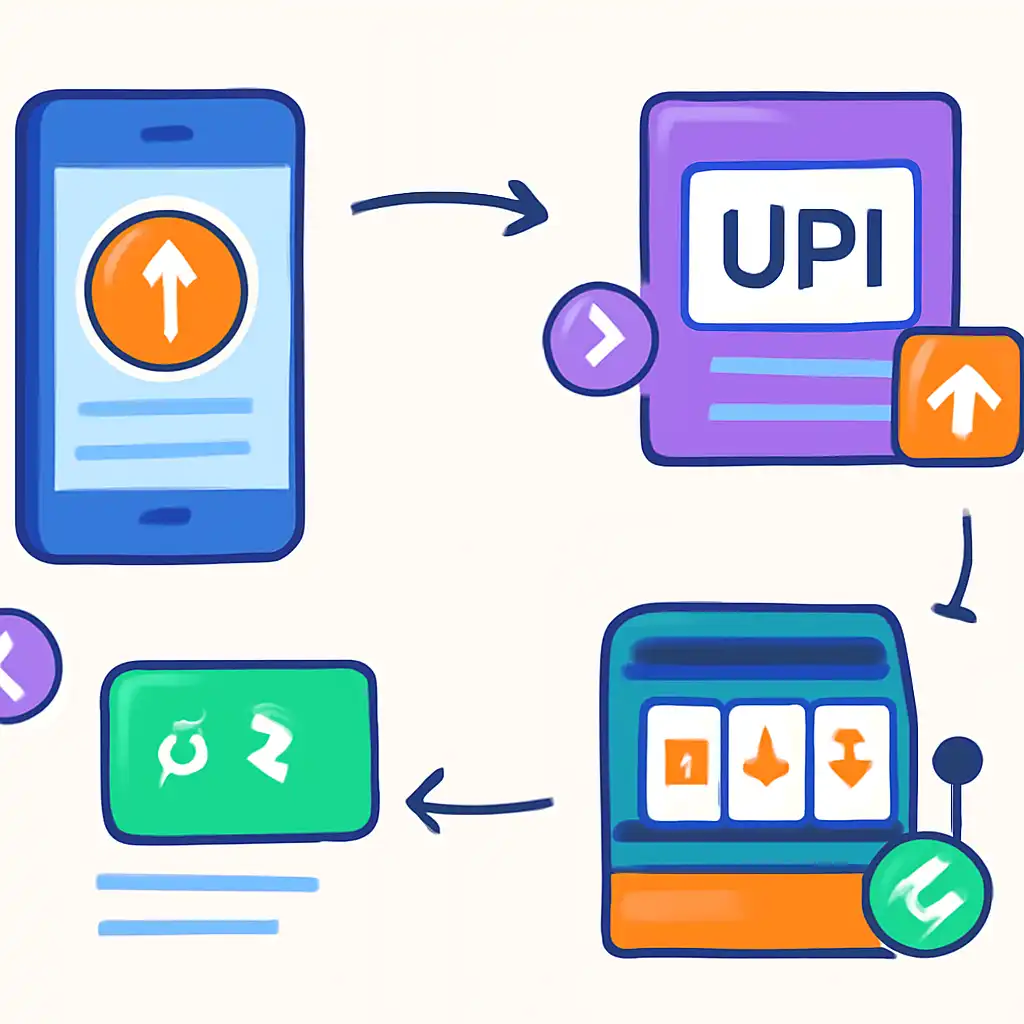
A deposit match bonus means the platform adds a percentage of your deposited amount to your wallet as bonus funds. For example, a 100% match on a ₹200 deposit would add ₹200 in bonus funds, giving you ₹400 in total to play with. The percentage and the deposit range eligible for the match vary by promotion and are set out in the offer's terms and conditions. Always read those terms before depositing so you know the exact minimum deposit required, the maximum bonus cap, and the wagering requirement you must meet before bonus funds can be withdrawn.
Spin Game publishes its current welcome offer details in the Promotions section of the site. Because promotional terms change, the specific figures active at any given time are those shown in that section, any number quoted elsewhere, including third-party review sites, may be out of date.
Making Your First UPI Deposit Count
Before funding your account for the first time, navigate to the Promotions area and note the minimum deposit amount that qualifies for the welcome bonus. Then follow the standard UPI deposit steps described above, making sure the amount you enter meets that threshold. Depositing less than the qualifying minimum means the bonus will not be applied, so it is worth double-checking before you confirm the payment in your UPI app.
Verification and First Deposits
Some accounts require basic KYC (Know Your Customer) steps before a first withdrawal, though not necessarily before a first deposit. If Spin Game requests identity documents, submitting them promptly avoids delays later. The UPI flow itself does not require additional documents beyond what your bank already holds.
UPI Deposits on Mobile
The majority of UPI transactions in India originate from smartphones, and Spin Game's deposit experience is built with mobile users in mind. The UPI process is streamlined for smaller screens and touch navigation.
Intent-Based App Launch
On a mobile device, after you enter your deposit amount and select UPI on the Spin Game site, the page can trigger a UPI intent, a deep link that asks your phone which UPI app you want to use. Your installed apps (Google Pay, PhonePe, Paytm, BHIM, or your bank's app) appear as options. Selecting one opens that app directly with the payment details pre-filled, so you only need to review the amount and enter your PIN to complete the deposit. This removes the step of manually copying a VPA into your app.
QR Code Scanning on Mobile
If the intent method is not available or you prefer a different app than the one suggested, Spin Game also displays a QR code. Open your preferred UPI app, use its in-app scanner, and the payment details load automatically. This approach works equally well whether you are on mobile data or Wi-Fi.
Mobile Browser Compatibility
Spin Game's site is designed to function on modern mobile browsers without requiring a dedicated app download. Chrome and Safari on current Android and iOS versions handle the UPI payment flow correctly. If you encounter an issue with the intent link not launching your UPI app, switching to QR code scanning or manually entering the VPA in your UPI app are reliable fallbacks.
Mobile Data and Connectivity
UPI transactions require an active internet connection on your device at the point of PIN entry, but the communication happens between your phone and your bank's servers, not between your phone and Spin Game. A brief dip in connectivity after PIN entry will not necessarily cancel the transaction; your bank processes the instruction independently. If you are unsure whether a payment went through, check your bank's UPI transaction history before attempting a second deposit, to avoid accidental duplicate payments. Quote the transaction reference number when contacting Spin Game support for any deposit queries.
Staying Secure on Mobile
Never share your UPI PIN with anyone, including Spin Game support staff. Legitimate customer service representatives will never ask for it. If you receive a collect request, where someone asks you to enter your PIN to receive money, reject it immediately, as this is a common fraud technique. Genuine deposits involve you initiating a payment outward to Spin Game's VPA, not accepting an inbound collect request.